
4. Install
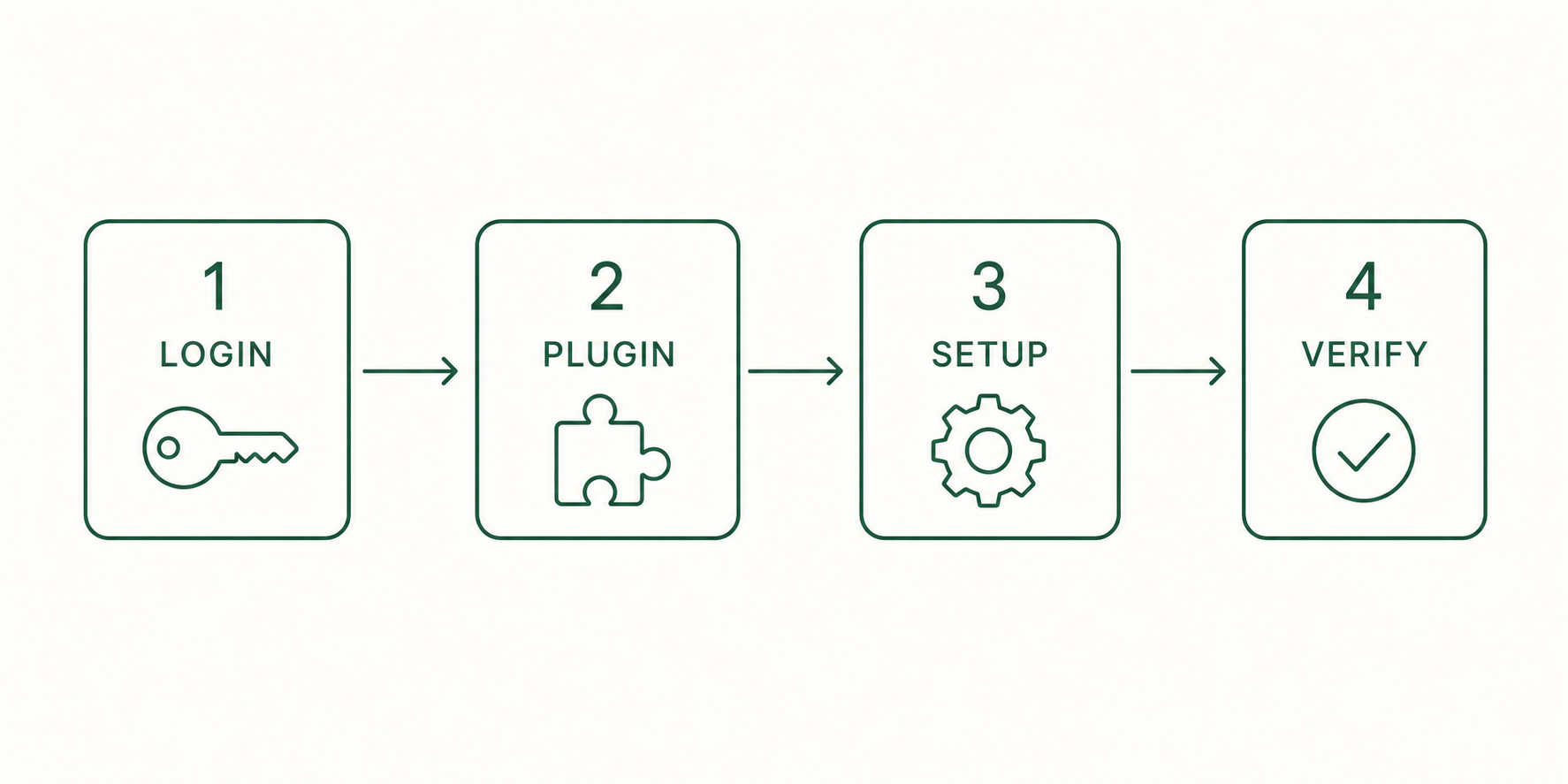
This guide uses the Claude Code plugin as the default path. The order is login, plugin install, ooo setup, then verification.
4.1 Prerequisites
- Claude Code with plugin support must be installed.
- You do not need to set up a global Python environment, but you do need
uv: the plugin launches its MCP server throughuvx. Any ofpipx install uv,pip install --user uv, orbrew install uvworks. - On Windows, follow the Linux steps inside WSL 2. Git Bash is not WSL 2, and running the install commands there can fail; if WSL itself will not install, see the troubleshooting guide.
4.2 Claude Code login
Open a Claude Code session in your terminal.
claudeLog in inside the Claude Code session.
/loginExpected result: after browser authentication, the session shows you are logged in. Without login, later ooo commands will not work.
4.3 Install the plugin
Run the next two commands in a normal terminal, outside Claude Code.
claude plugin marketplace add Q00/ouroboros
claude plugin install ouroboros@ouroboros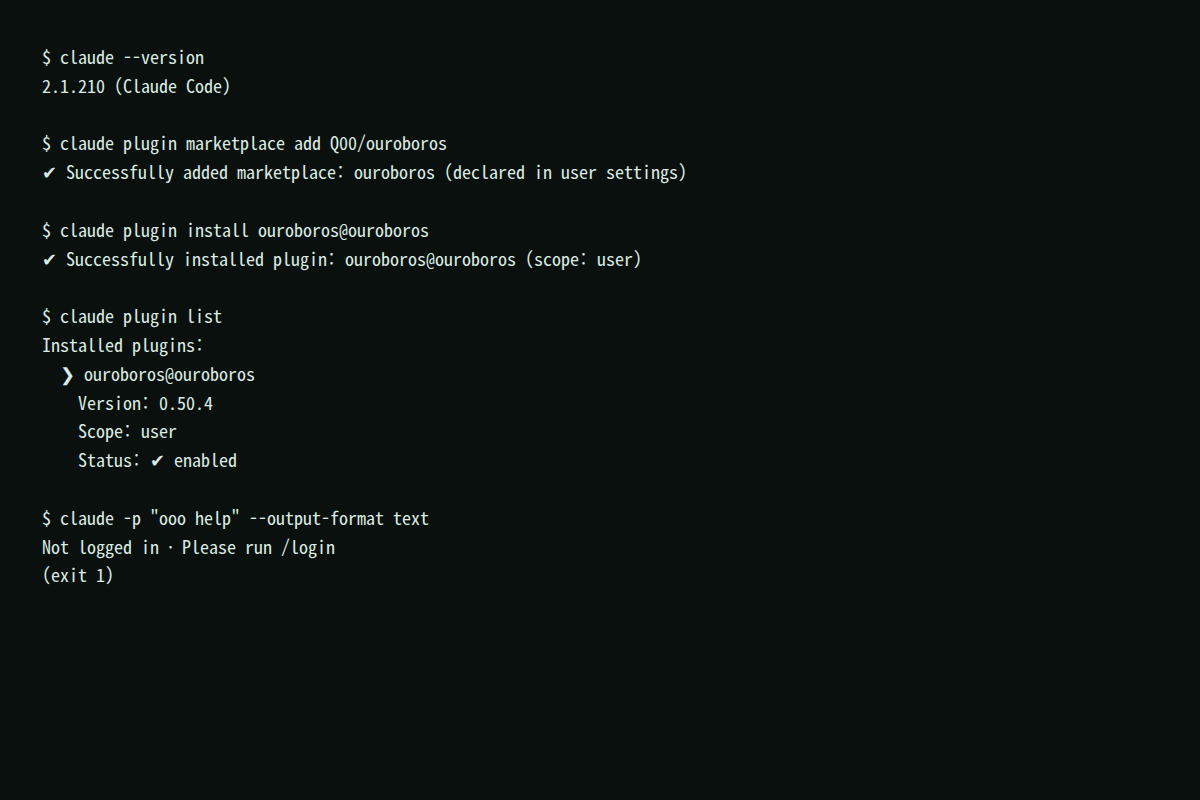
Expected result: claude plugin list shows ouroboros@ouroboros as enabled.
4.4 ooo setup — connect Core over MCP
Open a Claude Code session in the project folder you will work in, and type:
ooo setupooo setup selects a runtime profile and saves that choice to ~/.ouroboros/config.yaml. Optionally it adds a command summary to the project's CLAUDE.md. MCP server registration belongs to the plugin you installed in 4.3, so ooo setup leaves ~/.claude/mcp.json untouched.
Expected result: the detected runtimes, Setup complete!, and the config path (~/.ouroboros/config.yaml). Check the MCP connection itself with /mcp in step 4.7. Close Claude Code completely and reopen it after setup.
4.5 Verify
Run this inside the Claude Code session.
ooo helpExpected result: a command list including interview, seed, run, and evaluate. If it does not appear, see chapter 11.
4.6 Update
Run this inside the Claude Code session.
ooo updateExpected result: the current and latest versions are compared and updated to match your install method. Reopen the Claude Code session afterwards.
4.7 Definition of done
claude plugin listshowsouroboros@ouroborosas enabled.ooo helpprints the command list.- Claude Code's
/mcpshows the ouroboros server as connected.
Installing from the terminal without Claude Code
The standalone CLI requires Python 3.12 or later and installs from a normal terminal.
pip install ouroboros-ai
ouroboros setup
Other runtimes such as Codex CLI are selected with ouroboros setup --runtime codex. Once that is done, the same ooo commands shown throughout this guide work the same way in that session; the examples are just written from the Claude Code chat window's point of view.