
11. Troubleshooting
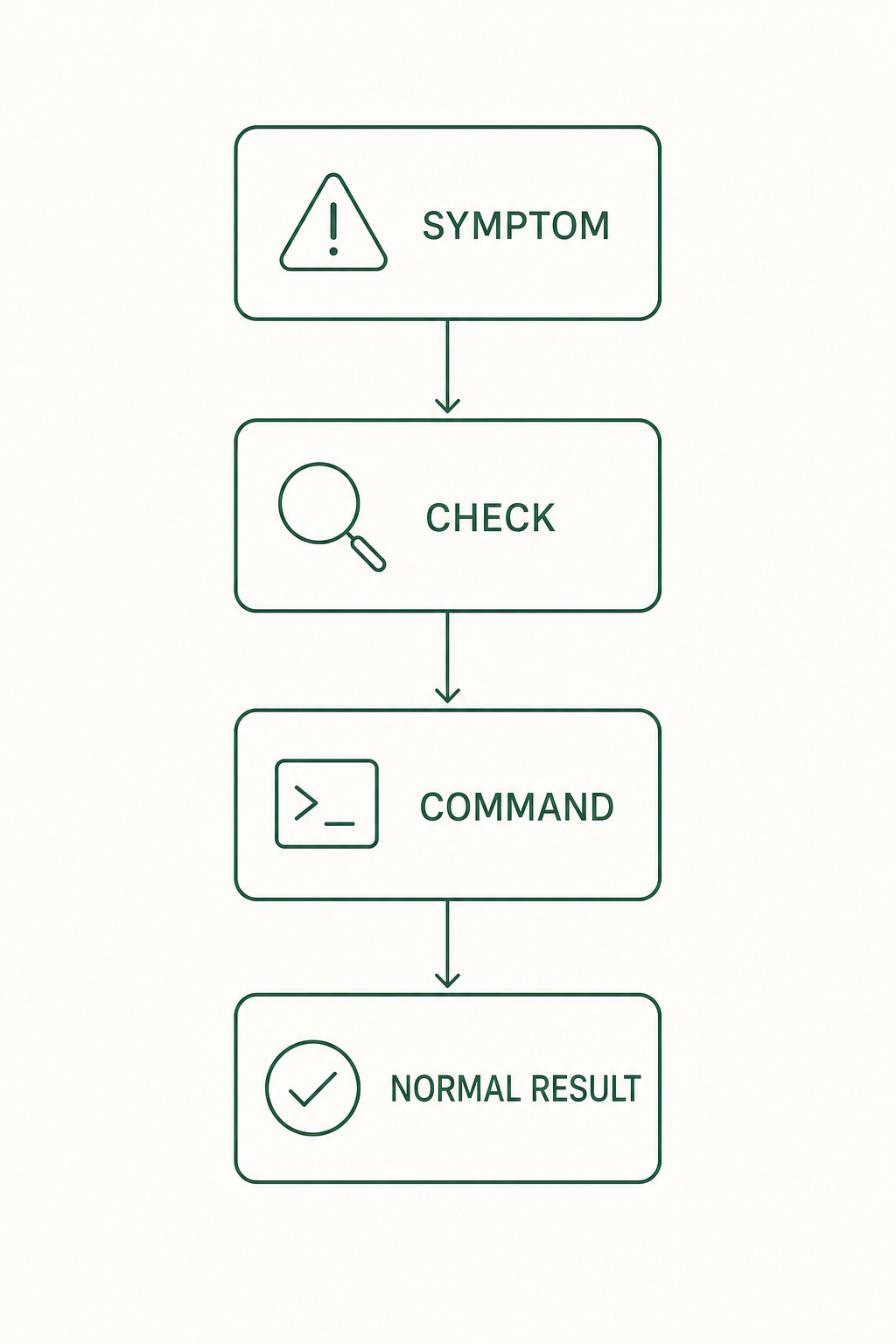
Find the symptom first, then follow the order: what to check, the command, the expected result.
The plugin fails to start with -32000
Symptom: Failed to reconnect to plugin:ouroboros:ouroboros: -32000
Check the version first. This startup failure was fixed in 0.51.1, and it is the first entry under Highlights in that release. Before it, an existing environment could shadow the [mcp] profile's mcp==2.0.0. The fix makes the shipped launchers run uvx --isolated.
ooo updateExpected result: you are on 0.51.1 or later. Close Claude Code completely and reopen it afterwards.
If you installed from a third-party package such as the AUR, check that package's version first. Third-party packaging can lag several releases behind.
11.1 The ooo command is not recognized
Check: ooo works inside a Claude Code session (Codex CLI and OpenCode work the same way once you've completed setup — the check commands below are specific to the Claude Code plugin path). Make sure you did not type it in a normal terminal. It also fails without login, so complete /login first.
Check the plugin state in a normal terminal.
claude plugin listExpected result: ouroboros@ouroboros shows as enabled. If missing or disabled, reinstall:
claude plugin install ouroboros@ouroboros --forceExpected result: after installing, reopen the Claude Code session and ooo help works.
11.2 Interview works but run or status fails
Check: the plugin loaded but Core's MCP server may not be connected. Check the ouroboros server state with /mcp in Claude Code.
The MCP server registration belongs to the plugin, not to ooo setup. Reinstall the plugin from a normal terminal first.
claude plugin install ouroboros@ouroboros --forceExpected result: reinstalling the plugin restores the MCP server registration. Close Claude Code completely, reopen it, and check /mcp again.
If it still will not connect, check that uv is installed with uvx --version. The plugin launches its MCP server through uvx, so without uv the connection fails even when the registration is present. For a standalone install, narrow it down with ouroboros mcp doctor, ouroboros mcp info, and ouroboros status health in a normal terminal.
11.3 The run seems stuck
Check: runs can take a long time in the background. Query the state first.
ooo status <session_id>Expected result: the current phase is shown. If you judge there is no progress, cancel with ooo cancel and run again.
11.4 Resume an interrupted auto session
Check: when ooo auto stops at a gate or on an error, the output keeps an auto_session_id and a resume command.
ooo auto --resume <auto_session_id>Expected result: the same auto session continues. If you lost the ID, find the session first with 11.5.
11.5 Recover a session from a closed window
Check: execution events remain in the EventStore, so sessions survive a closed window.
ooo resume-sessionExpected result: a list of running or paused sessions. Pick the one to re-attach.
11.6 The same failure repeats
Check: when repeated runs produce the same structure and the same failure, change the approach instead of adding iterations.
ooo unstuckExpected result: alternative approaches to the current problem are proposed. You choose which to use.
11.7 Uninstall
First preview what would be removed, in a normal terminal.
ouroboros uninstall --dry-runExpected result: the list of items to remove. Actually remove with ouroboros uninstall; keep the data with --keep-data. Remove the Claude Code plugin separately with claude plugin uninstall ouroboros.